
- Navigate to the link provided to you by your event instructor.
- Click "Register now":

- Enter the registration code, provided in the email from your instructor, it will be in the format of: "XXXX-XXXXXXXX":
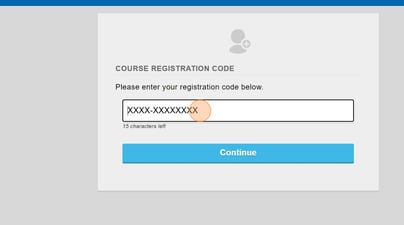
- Click Continue, verify that the event information you see is the event you are attending. Click continue again.
- Fill out the form, enter your Company name and select your credits. IMPORTANT: Please select all credits you would like at this point, you will not be able to go back!
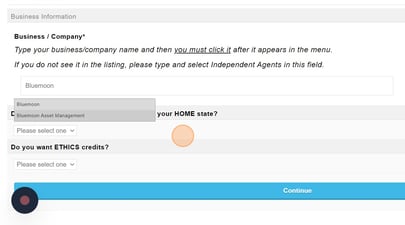
- Enter your license number and CRD if applicable.
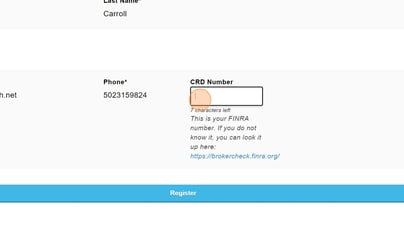
- Click Register
- You will then be logged into your account. You can start the exam after the event has started.
Please note: You must register for the course before attending the event. After attending, you will have 7 days to complete the exam. If you do not complete the exam within this timeframe, you will forfeit credit and will be required to attend another event.